Running & Interpreting Simulations
How do we know a simulation's result is trustworthy?
- Run a simple simulation using PhET, Scratch or Tinkercad
- Identify inputs, parameters and outputs
- Validate a result and describe the limitations of the model
Overview
Every simulation has three parts: what you feed in (inputs and parameters), what happens inside (the model), and what comes out (outputs). Running a good simulation is only half the job — you also have to check whether the answer is believable and explain what the model does NOT capture. This week you will run a PhET or Tinkercad simulation and write a short report.
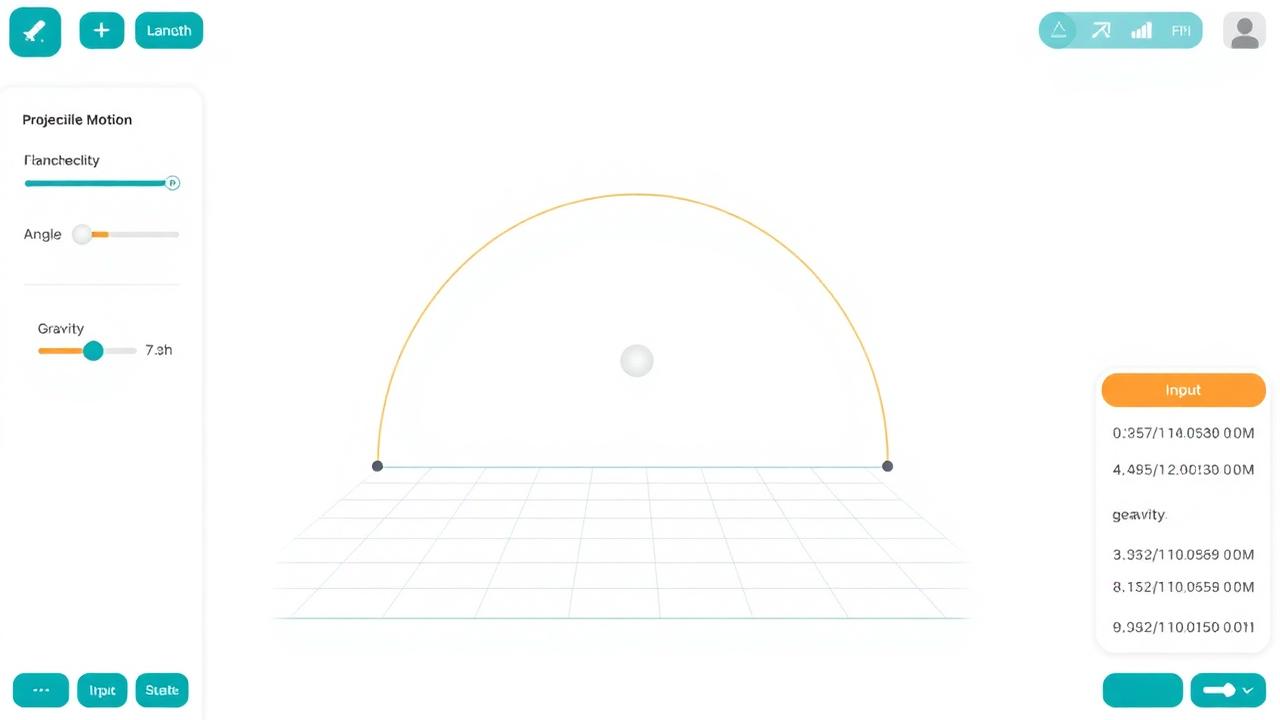
Inputs, parameters, outputs
Inputs are the values that change each run (e.g. angle of launch). Parameters are settings you keep fixed for a scenario (e.g. gravity). Outputs are the results you measure (e.g. distance travelled).
Validation and sensitivity
Validation means comparing simulation output to a known real answer or another trusted source. Sensitivity analysis means changing one input at a time to see how much the output changes — an output that swings wildly for a tiny change is 'sensitive' and risky to trust.
Limitations of models
Every model leaves something out. A projectile simulator often ignores air resistance; a traffic simulator may assume all drivers obey the rules. Good ICT students state these limits clearly in their reports.
Projectile motion lab
- Open PhET 'Projectile Motion' (or an offline copy) on the lab PC.
- Fire the cannon at 30°, 45° and 60° with the same speed. Record range each time.
- Answer: which angle gives the greatest range, and why? What does the model ignore?
- What is the difference between an input and a parameter?
Reveal answer
An input changes each run; a parameter is a fixed setting for the scenario.
- Define sensitivity analysis.
Reveal answer
Changing one input to see how much the output changes.
- Name one limitation of a school projectile simulator.
Reveal answer
It usually ignores air resistance.
Repeat the lab with air resistance ON. How does the 'best' angle change?